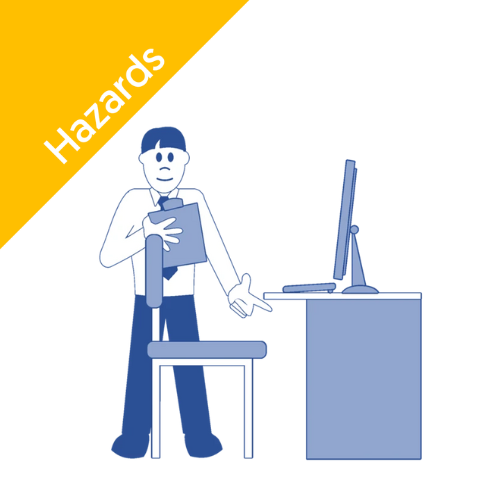
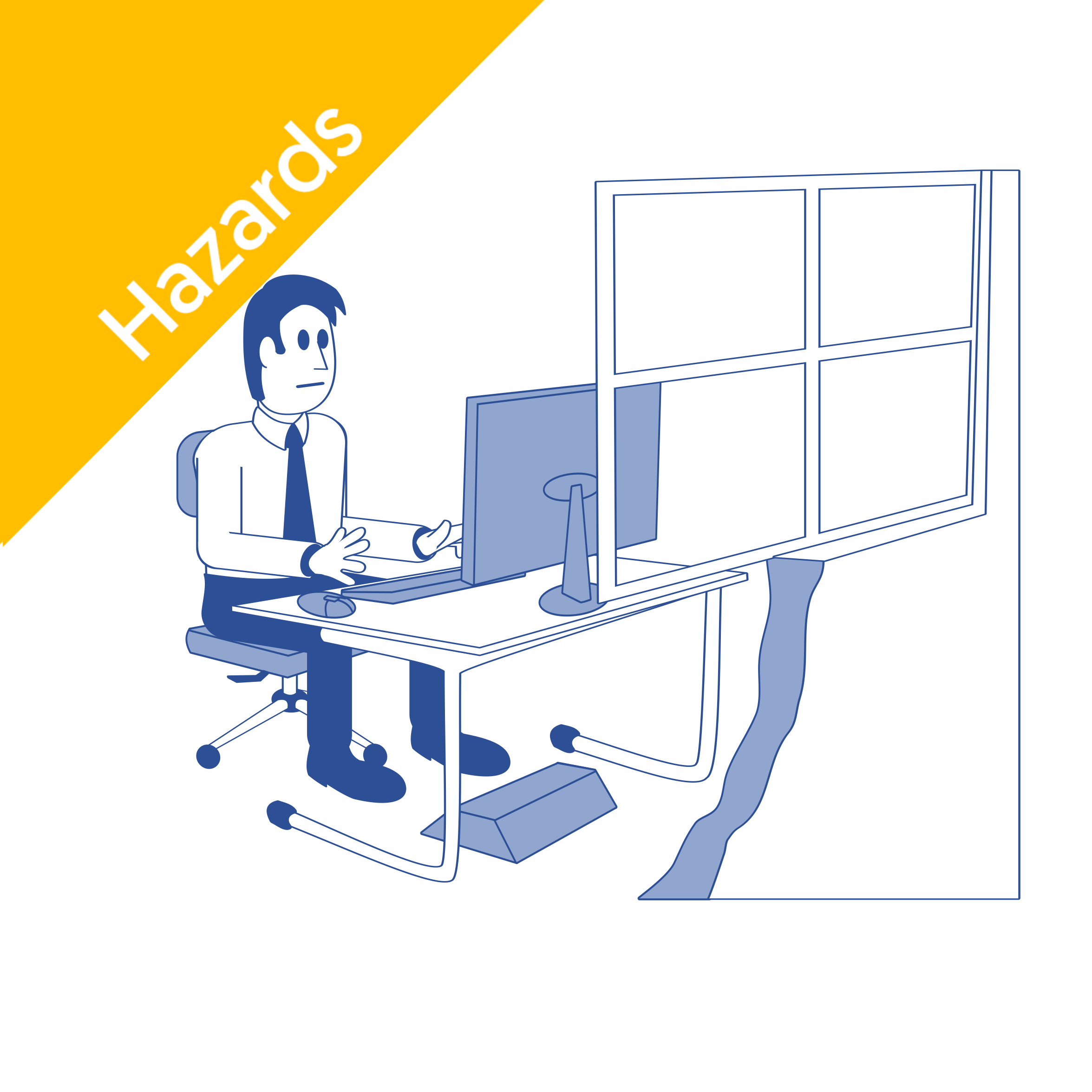
DSE

Welcome to the Commodious Knowledge Bank guide on DSE in the workplace.

Key Highlights

  • Prolonged use of display screen equipment (DSE) can cause health issues such as musculoskeletal disorders (MSDs), eye strain, and fatigue.

  • The Display Screen Equipment Regulations 1992 set out legal duties for employers to protect DSE users.

  • Regular DSE risk assessments and proper workstation setup are key to reducing risks.

  • Good posture, frequent breaks, and ergonomic adjustments help prevent pain and discomfort.

  • Employers must provide DSE training and offer eye tests to screen users upon request.

Scroll to the bottom of this page for our complete collection of in-depth Display Screen Equipment guides.

Display Screen Equipment Health and Safety

Computers, laptops, tablets, and smartphones are now part of almost every job. But while technology makes work faster and more connected, it also introduces new health and safety challenges.

Without proper setup and habits, prolonged DSE use can lead to back pain, neck strain, or eye discomfort, problems that build up quietly over time.

That’s why the Health and Safety Executive (HSE) enforces DSE regulations to protect workers from preventable injuries. This guide explains everything you need to know about DSE health and safety, from the legal requirements to practical steps for keeping your workstation safe and comfortable.

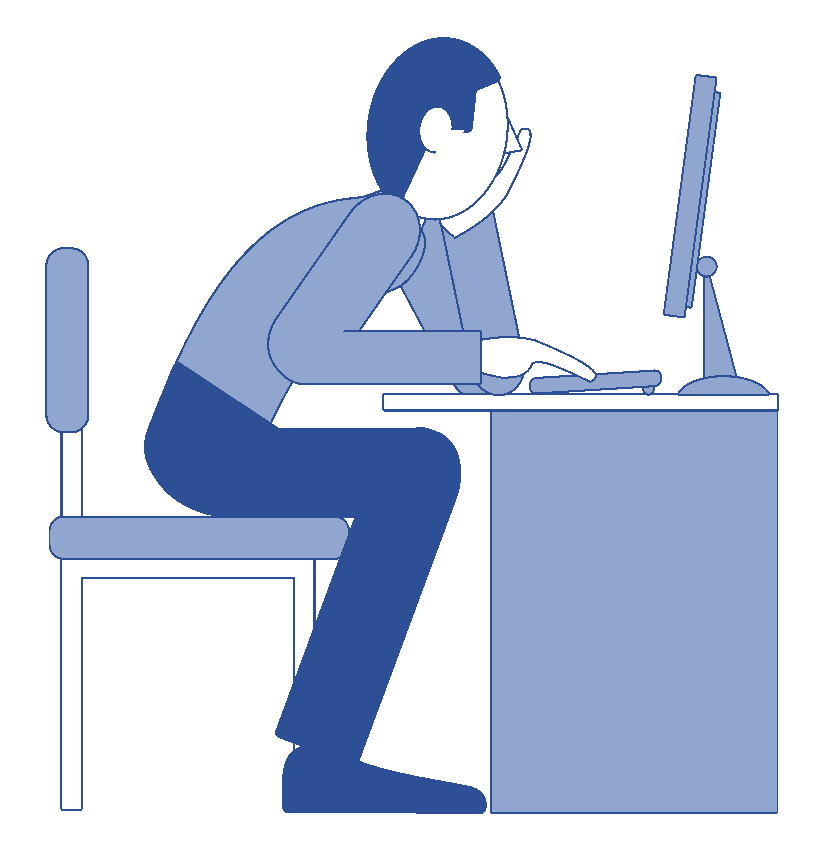
worker using display screen equipment (dse)

What Is Display Screen Equipment (DSE) Safety?

DSE safety is about more than just sitting at a computer. It covers how your entire workstation, posture, and screen habits affect your body and eyesight.

Understanding is the first step; then comes putting it into practice. For employees, our DSE Employee Guide: How to Use a Screen Safely offers simple advice on how to work comfortably and spot early signs of strain.

Let’s start by looking at the health risks linked with poor DSE setup.

Common Health Risks Linked to DSE Work

Using display screen equipment for long periods without breaks or good posture can cause several issues. The most common are:

  • Musculoskeletal disorders (MSDs): Affecting the back, neck, shoulders, arms, and hands.

  • Repetitive strain injuries (RSI): From small, repeated movements such as typing or mouse use.

  • Eye strain and headaches: Caused by glare, poor lighting, or lack of screen breaks.

  • Mental fatigue and stress: Often linked to long periods of static work.

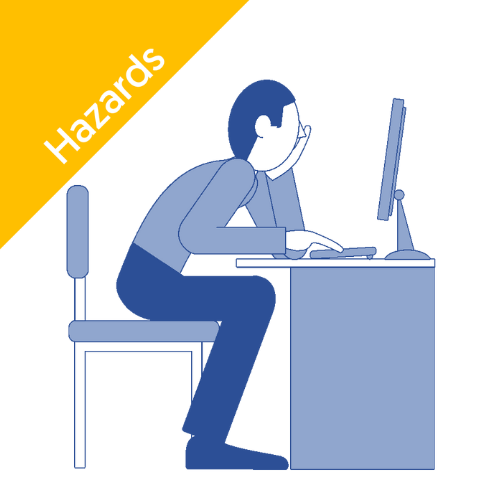
These conditions don’t usually appear overnight. They develop gradually, which makes early prevention essential. Simple steps like adjusting your chair, keeping the monitor at eye level, and taking regular screen breaks make a big difference.

Good Posture and Ergonomics: The Foundation of DSE Safety

Ergonomics is about fitting the workstation to the person, not forcing your body to adapt to the setup.

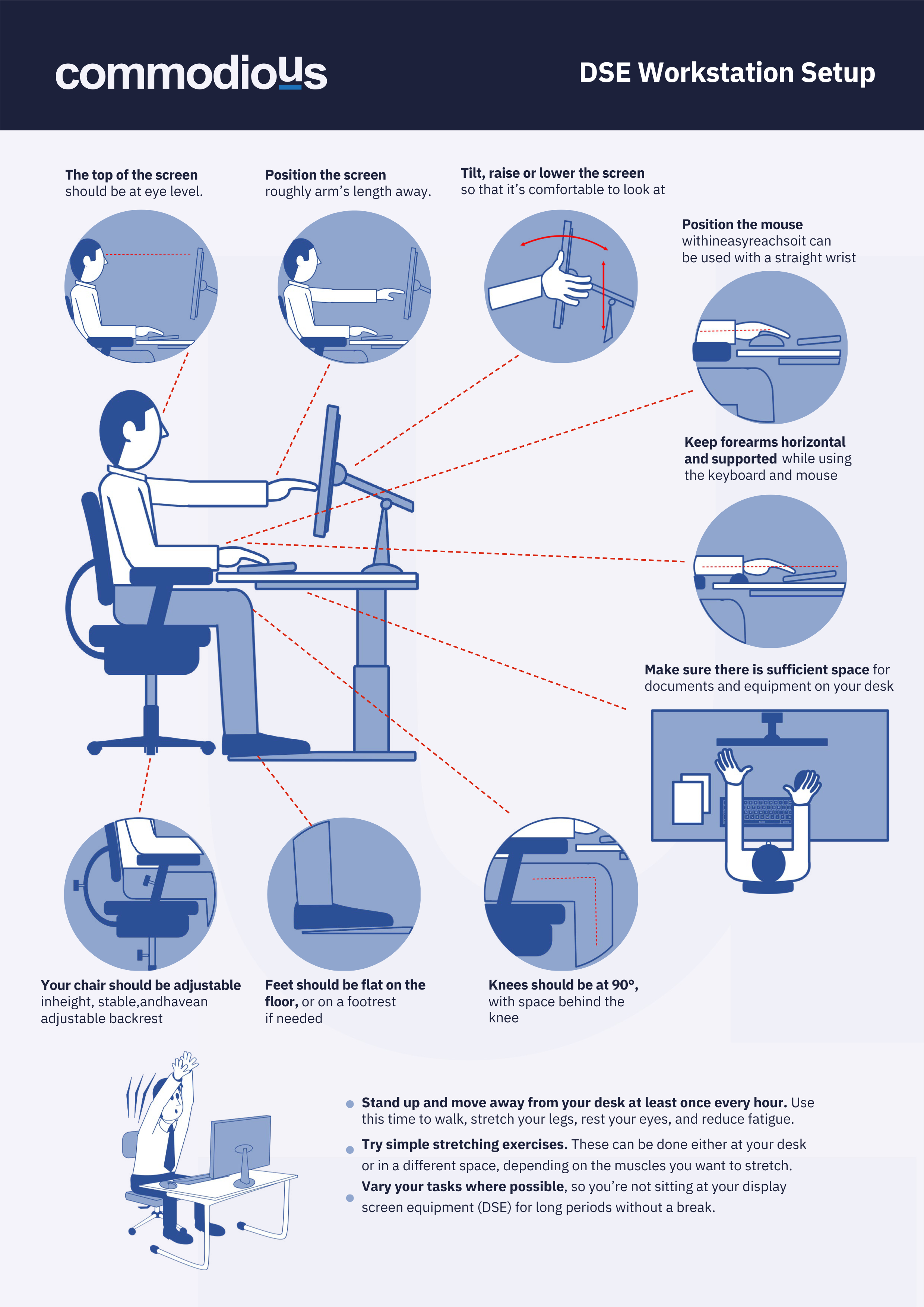
A few basic adjustments can help maintain a neutral posture, reducing pressure on your spine and joints:

  • Keep your back supported and shoulders relaxed.

  • Adjust your chair height so your feet are flat on the floor.

  • Keep your screen roughly at arm’s length and at eye level.

  • Rest your wrists in line with your forearms when typing.

Poor posture can lead to chronic pain, so it’s important to get it right early. A workstation assessment helps identify problems before they turn into injuries.

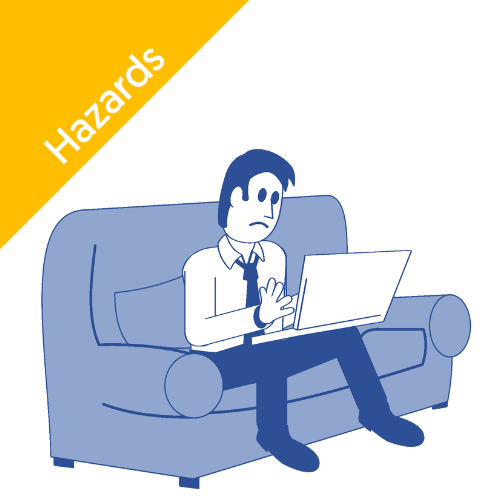
Employers should regularly review these setups, whether in the office or at home. Our DSE Working from Home: A Health and Safety Guide covers how to stay safe in remote and hybrid settings.

Understanding DSE Regulations (UK)

The Health and Safety Display Screen Equipment) Regulations 1992 require employers to manage and reduce the risks of DSE use.

If an employee uses a screen for an hour or more daily as part of their role, they are considered a DSE user, meaning these regulations apply.

Employers must:

  • Carry out DSE risk assessments.

  • Provide information, training, and eye tests.

  • Make reasonable adjustments where needed.

Employees, meanwhile, must follow safe practices and report any discomfort or issues promptly.

For a detailed explanation of what the law requires, check our Guide to Display Screen Equipment Regulations.

Employer and Employee Responsibilities

The regulations outline shared responsibilities; a partnership between employer and employee to maintain safe DSE use.

Employer Duties

Employee Duties

Conduct DSE workstation assessments

Follow training and workstation guidance

Reduce and control risks

Use the workstation safely

Provide training and information

Report pain or discomfort

Offer eye tests and contribute to DSE glasses

Take regular screen breaks

Employers must also ensure that DSE assessors are trained and competent. More detail can be found in our DSE Regulations: A Practical Guide for Employers.

Legal Requirements for Businesses

Under UK law, businesses must complete a suitable and sufficient DSE assessment for every DSE user, including office staff, home workers, and hybrid teams.

This assessment should identify risks linked to posture, equipment setup, or the work environment. It must be reviewed regularly, especially if:

  • The workstation changes,

  • New equipment is introduced, or

  • An employee reports pain or discomfort.

Failure to meet these duties could lead to HSE enforcement, including improvement notices or fines. But more importantly, it can damage employee health and morale.

DSE Workstation Setup and Assessment

A correct workstation setup can prevent most DSE-related health problems.

A DSE assessment reviews:

  • Your chair, desk, and monitor positioning

  • Keyboard and mouse use

  • Lighting and screen glare

  • Environmental factors like temperature and noise

Find out How to Do a Risk Assessment for Display Screen Equipment where we explain a step-by-step approach to getting it right.

If your team works remotely, ensure that home setups are assessed too. Our DSE Working from Home Guide explains how to adapt safely.

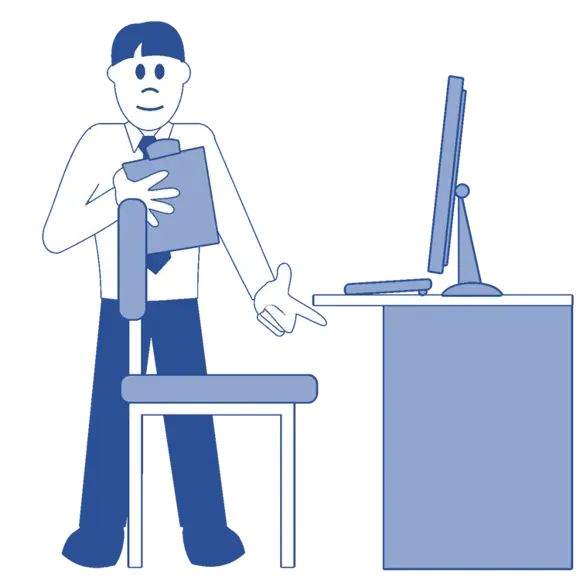
worker conducting a risk assessment for display screen equipment health and safety

Using a DSE Checklist

A DSE checklist ensures nothing is overlooked during an assessment. The HSE’s official DSE checklist is a great starting point, but many employers adapt it to their own needs.

It typically covers:

  • Chair and posture

  • Screen height and distance

  • Keyboard, mouse, and wrist support

  • Lighting and environment

Using a checklist creates a consistent standard across your organisation and proves that DSE assessments have been completed and risks managed effectively.

Free Resources – DSE Risk Assessment Templates, Checklist and Poster

To make it easier to complete thorough DSE evaluations, we’ve developed two free downloadable tools:

These templates are based on current HSE guidance and support consistent, good practice across your organisation. They’re ideal for use during inductions, annual reviews, or when setting up home workstations.

These resources help ensure that DSE assessments are properly documented, risks are identified early, and every employee has a comfortable, compliant workspace.

Conclusion

Understanding and managing Display Screen Equipment (DSE) safety is essential for every modern workplace.

By recognising the health risks, following DSE regulations, and carrying out regular workstation assessments, employers can create safer, healthier, and more productive environments, both in the office and at home.

Frequently Asked Questions

Who is responsible for carrying out DSE risk assessments?

The employer holds overall responsibility for ensuring DSE risk assessments are completed. Competent staff or trained assessors can perform them, but accountability always rests with the employer.

How often should a DSE risk assessment be done?

A DSE assessment should be carried out for each new user or workstation, and reviewed whenever there’s a change, such as new equipment, a desk move, or reports of discomfort.

Can prolonged use of display screens affect eyesight?

Extended screen use doesn’t cause permanent eye damage, but it can lead to temporary eye strain and blurred vision. DSE users are entitled to request an eye test from their employer if they experience these symptoms.

Explore our related resources below for practical help:

DSE Articles

DSE Employee Guide: How to Use a Screen Safely

DSE Employee Guide: How to Use a Screen Safely

DSE

Discover the DSE employee guide for safe screen use. Learn essential tips to reduce strain and enhance productivity while working at your screen.

DSE Working From Home: A Health and Safety Guide

DSE Working From Home: A Health and Safety Guide

DSE

Discover the essentials of DSE working from home in our comprehensive guide. Learn tips and best practices to optimise your remote work experience!

How to do a Risk Assessment for Display Screen Equipment

How to do a Risk Assessment for Display Screen Equipment

DSE

Learn how to conduct a thorough risk assessment for display screen equipment. Protect your health and optimise workplace safety with our comprehensive guide.

DSE Regulations: A Practical Guide for Employers

DSE Regulations: A Practical Guide for Employers

DSE

What do the display screen equipment regulations require users to do? Explore insights on VDU equipment and health & safety requirements in our guide.

A Guide to Display Screen Equipment Regulations

A Guide to Display Screen Equipment Regulations

DSE

What do the display screen equipment regulations require users to do? Explore insights on VDU equipment and health & safety requirements in our guide.